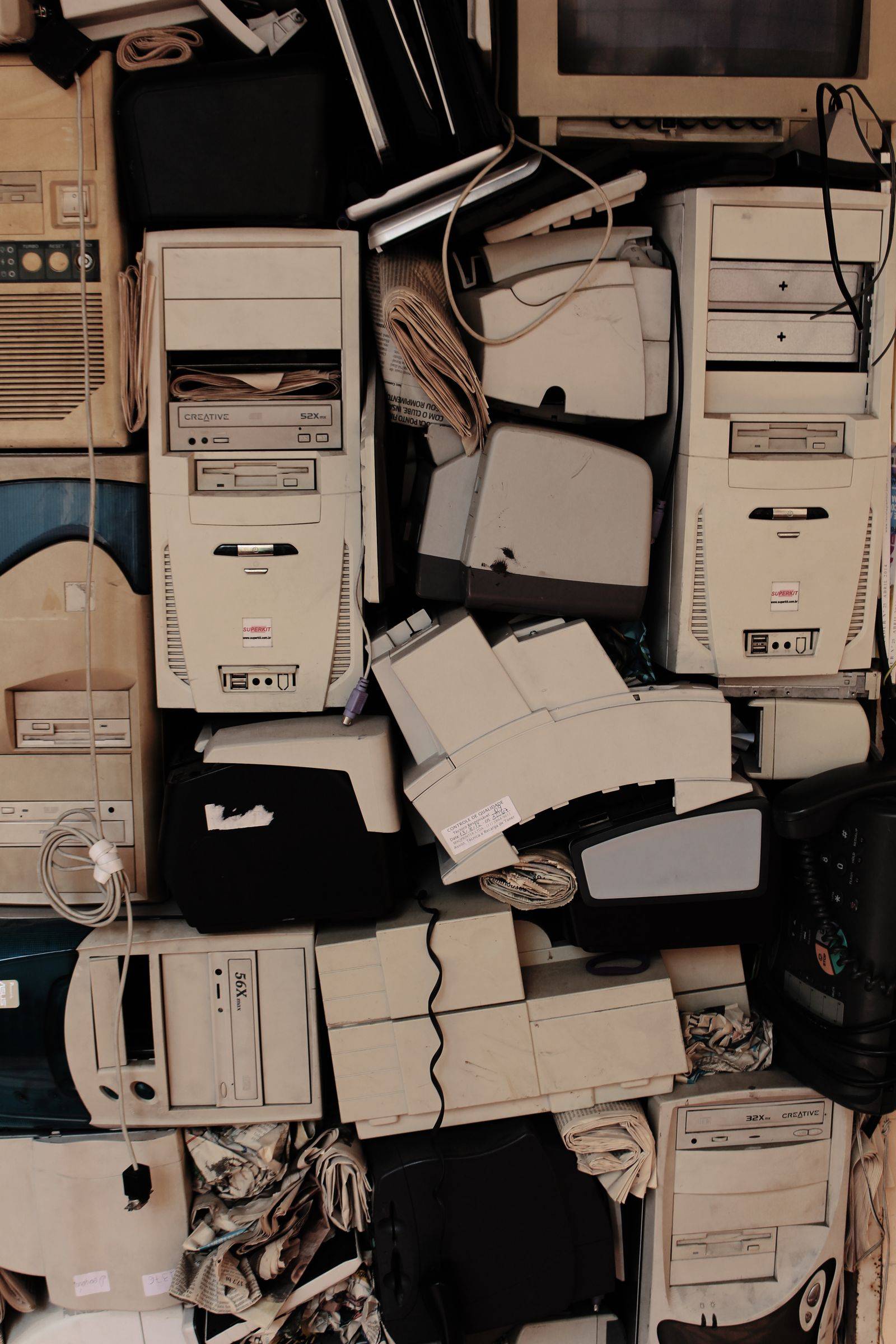
IT asset disposal in Dubai comes down to two separate jobs: dealing with the data, and moving the hardware. Do them in that order. Wipe or remove every drive, or hand them to a certified data destruction specialist, before any laptops, servers or printers leave the building.
This guide is for IT and facilities teams running a refresh, a downsizing or an office exit. It covers planning, data, the logistics of moving equipment out of a commercial tower, and keeping e-waste out of the general office waste.
Plan the refresh: inventory, data and asset tags
Start with a list. A spreadsheet with one row per device makes every later step easier: who signs off, what gets wiped, what's collected and what's written off.
- Asset tag or serial number, device type and location
- Whether it stores data: laptops, desktops, servers, network storage, phones, and printers or copiers with internal drives
- Whether it's leased, owned or due back to a supplier
- Its fate: redeploy, sell, donate, return or dispose
- The date it was wiped or its drive removed, and by whom
Check leases before anything else. Leased equipment usually goes back to the leasing company, and disposing of it by mistake is an expensive error.
Data handling first
Removal isn't data destruction. A crew that collects your hardware moves it; it doesn't make the data on it unreadable. That step is yours, or a specialist's.
The UAE's personal data protection law, Federal Decree-Law No. 45 of 2021, expects companies that hold personal data to secure it and keep it confidential. Companies in DIFC are covered by the DIFC Data Protection Law No. 5 of 2020. Old drives full of staff and customer records are exactly the kind of data these laws are about.
For most devices, your IT team can wipe drives using the manufacturer's tools or remove them for separate destruction. Phones and tablets also need removing from any device-management system and the company's accounts, or the next user can't set them up. Keep a record of what was wiped, how and when, against each asset tag.
When you need a certified data destruction specialist
- Your policies, auditors or clients require a certificate of destruction
- Drives are faulty and can't be wiped
- Servers or storage held sensitive financial, health or client data
- You have too many devices to wipe and document in-house
In those cases, use a specialist that shreds or wipes drives and issues certificates. We don't issue data destruction certificates. We collect the hardware once the data has been dealt with.
Collection logistics in commercial towers
IT equipment is heavy for its size. A rack of servers, a few multifunction printers and fifty monitors take careful handling down corridors and through lifts, and offices in DIFC, Business Bay, JLT and Dubai Silicon Oasis each have building rules to work around.
Loading bays, access passes and after-hours slots
- Book the loading bay and goods lift, and ask whether IT kit counts as a standard goods move
- Send crew and vehicle details for access passes early, because they can take days
- Ask whether collections are allowed after hours or at weekends, when staff and lifts are free
- Stage equipment near the lift on the day, labelled and with cables bundled
Reuse, resale and donation before disposal
Not everything on the list has to be scrapped. Once data has been dealt with, working equipment can often be used again:
- Redeploy: newer monitors, docks and peripherals often have a second life elsewhere in the business
- Resell: IT resellers may buy recent laptops and network equipment in bulk
- Donate: schools and charities sometimes accept working, wiped devices. Ask what they can use before you deliver
- Return: leased devices and some vendor equipment go back to the supplier
Printers and copiers deserve a separate check. Many multifunction devices have internal hard drives that store scanned and printed documents, and leased copiers often belong to the supplier. Ask the supplier how the drive is handled before the device leaves.
Keeping e-waste separate from general office waste
Electronics contain metals and components worth recovering, and batteries and some parts need careful handling. They shouldn't go into the office's general bins or skips.
- Keep IT equipment in its own area, away from furniture and general waste
- Remove batteries from devices where you can, and tape the terminals
- Bundle cables and keep chargers with the devices they belong to
- Ask any collector where the equipment goes after collection
Checklist for the day
- Every device on the disposal list has a wipe or destruction record
- Leased and returnable equipment has been set aside
- The loading bay, lift and passes are confirmed
- Equipment is staged, labelled and counted against the inventory
- Someone from IT is on site to sign the equipment out
- The final count is checked before the vehicle leaves
FAQs
Can you collect servers and racks?
Yes, once the data has been dealt with and the equipment is powered down and disconnected. Tell us the number of racks, their height and whether they're bolted down, so the crew comes ready for the weight.
Can we hand over drives that haven't been wiped?
We'd ask you not to. Wipe or remove drives first, or use a specialist that certifies destruction. We collect hardware, but we can't take responsibility for the data on it.